Web design
Dark mode in 2026: one stylesheet, two themes, zero drift
It is 23:00 and your dark stylesheet is one commit behind the light one again. There is a better way in 2026, and it lives inside a single CSS file.
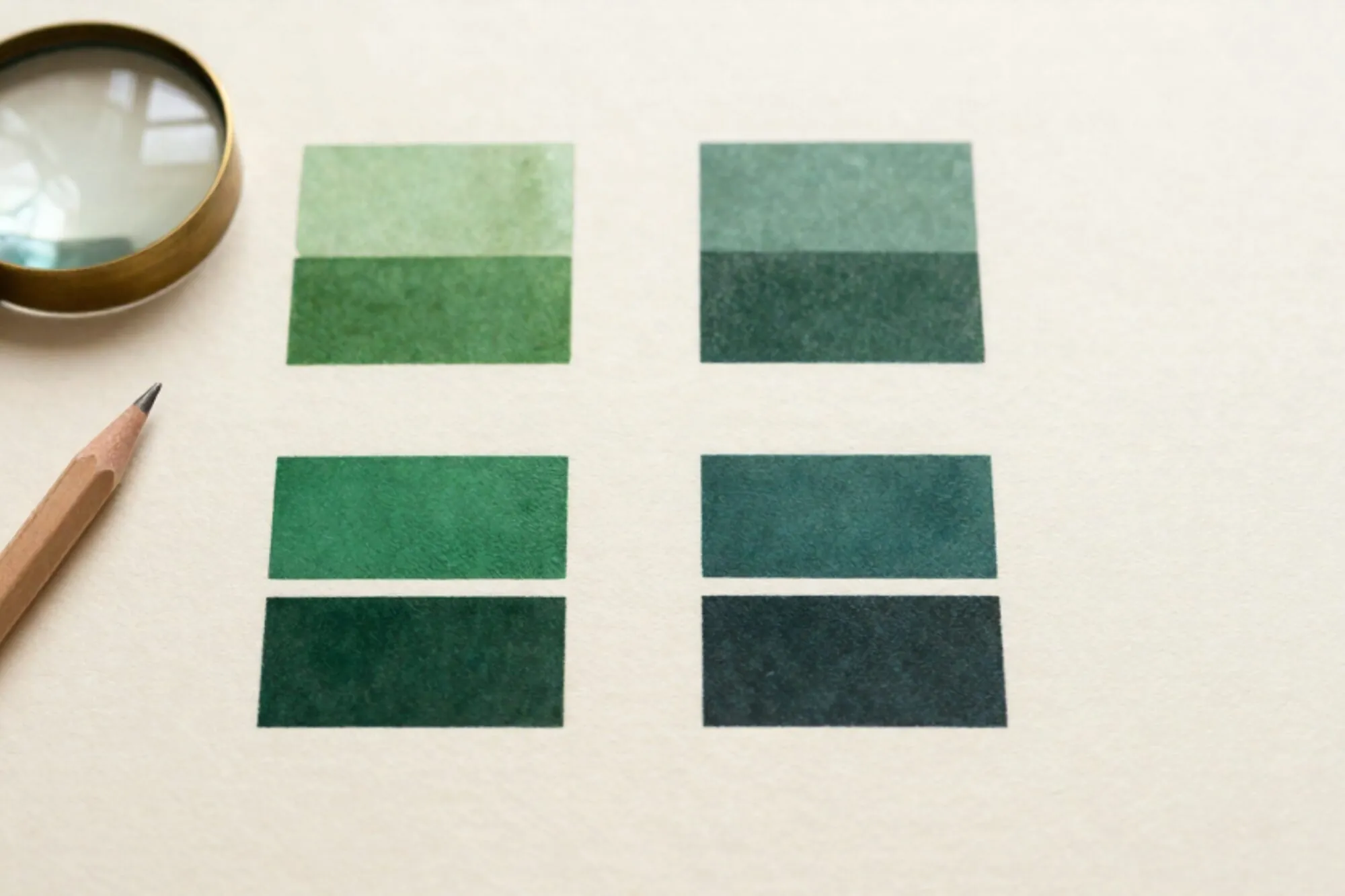
It is 23:00 and the dark stylesheet is one commit behind the light one again. Someone added a new card background last week, only in style.css, and now the dark build has a white rectangle that nobody noticed until a screenshot landed in the client Slack. We have been here before. Most teams still ship dark mode as a second skin: a parallel file, a duplicated set of variables, a designer who has to remember to update both halves whenever a colour shifts by two percent. In 2026 there is no reason to keep doing that.
This is a short, opinionated walk through how we set up dark mode on new ABN sites this year. One file. One source of truth. The browser does the switching. Here are the steps in the order we run them.
Step 1: stop thinking in themes, start thinking in tokens
The first move is not a CSS change. It is a vocabulary change. Stop naming things --white and --black. Stop writing background: #fff in any component file. Every colour in your interface should resolve through a semantic token: --surface, --surface-raised, --text, --text-muted, --border, --accent. If a component reaches for a raw hex value, it has already bypassed your theme system and you will find it again later as a dark-mode bug.
The point of the token layer is that components have no opinion about which mode they are in. They ask for the muted text colour, not #666. Whether that resolves to a near-black or a soft grey is the theme's problem, not the card's.
Step 2: bind the tokens with light-dark()
This is the part that did not exist a couple of years ago. The CSS light-dark() function takes two colour arguments and picks the right one based on the current color-scheme. It has been in every major engine since mid-2024 and is now safe to use without a fallback on any modern site. MDN documents the function and Can I Use shows the support matrix.
The whole token layer collapses into a single block:
:root {
  color-scheme: light dark;

  --surface:        light-dark(#fafaf9, #0f1115);
  --surface-raised: light-dark(#ffffff, #171a20);
  --text:           light-dark(#1a1a1a, #ececec);
  --text-muted:     light-dark(#5a5a5a, #9aa0aa);
  --border:         light-dark(#e6e6e3, #2a2d33);
  --accent:         light-dark(#0a5cff, #6aa3ff);
  --accent-ink:     light-dark(#ffffff, #0b1020);
}

body {
  background: var(--surface);
  color: var(--text);
}
That is the entire theme. No @media (prefers-color-scheme: dark) block. No duplicated selectors. Every consumer of var(--text) downstream gets the right colour automatically, because light-dark() is re-evaluated whenever the effective color-scheme changes on that element.
Step 3: declare color-scheme so the browser cooperates
The color-scheme: light dark line above is doing two jobs. First, it activates the light-dark() function. Second, it tells the browser that your page is willing to render in either mode, which unlocks the native dark scrollbars, form controls, and the dark background flash during navigation. Without it, a user on dark OS still sees a white flash on first paint, and your <input> elements come out as bright white rectangles even when the rest of the page is dark.
If you forget one line in this whole post, do not forget this one. It is the cheapest accessibility improvement on the entire page.
Step 4: shadows and borders are not colours
The biggest mistake we see in junior dark-mode work is treating shadows like colours. A shadow that reads as a soft grey blur on a white surface becomes invisible on a near-black surface. The fix is not to lighten the shadow. Shadows in dark mode should be darker, not lighter, and they should lean on a paired highlight (a 1px inner top border at low opacity) to suggest elevation.
:root {
  --shadow-1: light-dark(
    0 1px 2px rgb(0 0 0 / 0.06),
    0 1px 2px rgb(0 0 0 / 0.55)
  );
  --shadow-2: light-dark(
    0 8px 24px rgb(0 0 0 / 0.08),
    0 8px 24px rgb(0 0 0 / 0.6)
  );
  --hairline: light-dark(
    inset 0 0 0 1px rgb(0 0 0 / 0.04),
    inset 0 1px 0 rgb(255 255 255 / 0.05)
  );
}

.card {
  background: var(--surface-raised);
  box-shadow: var(--shadow-1), var(--hairline);
  border: 1px solid var(--border);
}
If your dark-mode cards look flat, the answer is almost never a brighter background. It is a deeper shadow plus a faint highlight on the top edge.
Step 5: the parts that are not colour
A few surfaces refuse to come along for the ride. Inline SVG icons that hardcode fill="#000" stay black on a black background. Screenshots in marketing pages keep their white chrome. Syntax-highlighted code blocks tend to have their own palette baked in.
Three rules that save us hours later:
- SVGs in the UI use
fill="currentColor"and inherit the text token. No more icons disappearing in dark mode. - Product screenshots get a
<picture>with asource media="(prefers-color-scheme: dark)"variant when the screenshot itself is the content. Do not invert the image with a CSS filter. It tints photos blue. - Code blocks load one of two highlight stylesheets via the same media query, or use a token-driven theme. Prism and Shiki both support custom CSS variables now.
Step 6: give users a manual override
The system preference is the right default, but every product needs an in-page toggle for the user whose OS is on auto-switch at sunset and who is now squinting at a white invoice at 17:00. The trick is to make the toggle change one attribute on <html> and let color-scheme do the rest.
:root              { color-scheme: light dark; }
:root[data-theme="light"] { color-scheme: light; }
:root[data-theme="dark"]  { color-scheme: dark; }
const root = document.documentElement;
const saved = localStorage.getItem('theme');
if (saved) root.dataset.theme = saved;

export function setTheme(next) {
  if (next === 'system') {
    delete root.dataset.theme;
    localStorage.removeItem('theme');
  } else {
    root.dataset.theme = next;
    localStorage.setItem('theme', next);
  }
}
Because every colour resolves through light-dark(), and light-dark() reads the effective color-scheme on the element, flipping that one attribute repaints the whole site. No class cascade. No flash. No JavaScript reaches into individual components.
Audit your contrast in both modes, not just one
Dark mode is where contrast bugs hide. A grey that passes WCAG AA on white almost never passes on near-black, because the same hex code has a different contrast ratio against a different background. Run your contrast checker against the dark surface too. Body text needs 4.5:1, large text needs 3:1, and your muted text token is the one that will fail first.
When we built the dark theme for a client's invoicing dashboard this spring, the muted token (#888) passed on white and silently failed on the dark surface at 3.9:1. We caught it by running every token pair through a script that prints both ratios next to each other in the terminal. That tiny script is now in our starter. It is the single most useful piece of theme tooling we own. If you want help wiring this kind of design-system automation into your own product, that is the work we do.
Open your site in light mode. Toggle the OS to dark. Anything that flashes white, has a missing border, or shows a black SVG on a black card is on your punch list for tomorrow. That is the five-minute audit.
Key takeaway
Bind every colour through light-dark(), declare color-scheme on :root, and one stylesheet handles both themes with no drift.
FAQ
Do I still need the prefers-color-scheme media query?
Only for assets that are not CSS, like a picture element switching between two different screenshots. For colours, light-dark() plus color-scheme replaces the media query entirely.
What if a user is on an older browser without light-dark() support?
Every major engine has shipped it since 2024. For very old browsers, set a single fallback colour on the same custom property before the light-dark() call, and they will get a usable light theme.
Should dark mode just invert every colour?
No. Inversion turns photos blue, breaks brand colours, and produces washed-out greys. Pick each dark token by hand, then check contrast against the actual dark surface.
Where should the theme toggle live in the UI?
Inside account or settings, not in the top nav. Most users never touch it. A persistent toggle in the header signals indecision and steals a slot from product navigation.